Picsart App Review: Features, AI Tools, Pros & Cons
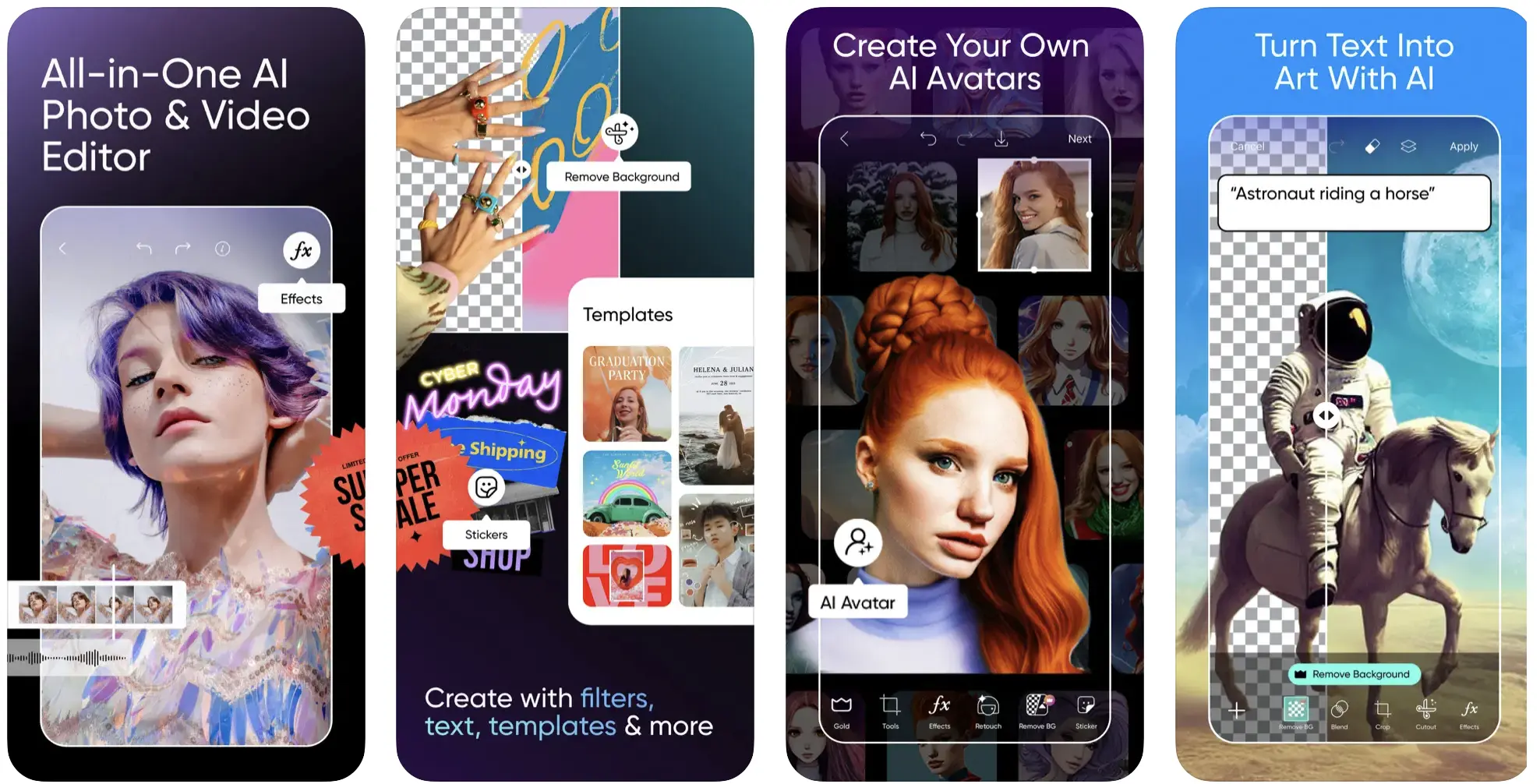
PicsArt is a popular mobile-first creative editing app that allows users to edit photos, create videos, design graphics, and share their work with a global creative community. The app combines powerful editing tools, AI-based effects, and ready-made templates, making it a strong choice for social media creators, small businesses, and casual users.
This article explains what PicsArt is, its main features, subscription benefits, advantages and limitations, and who should use it.
What Is the PicsArt App?
PicsArt is an all-in-one photo and video editing platform designed mainly for smartphones. It offers professional-style editing tools in an easy-to-use interface, along with social features that allow users to share, remix, and discover creative content.
PicsArt is available on Android and iOS, with a limited web version for basic editing tasks.
Key Features of the App
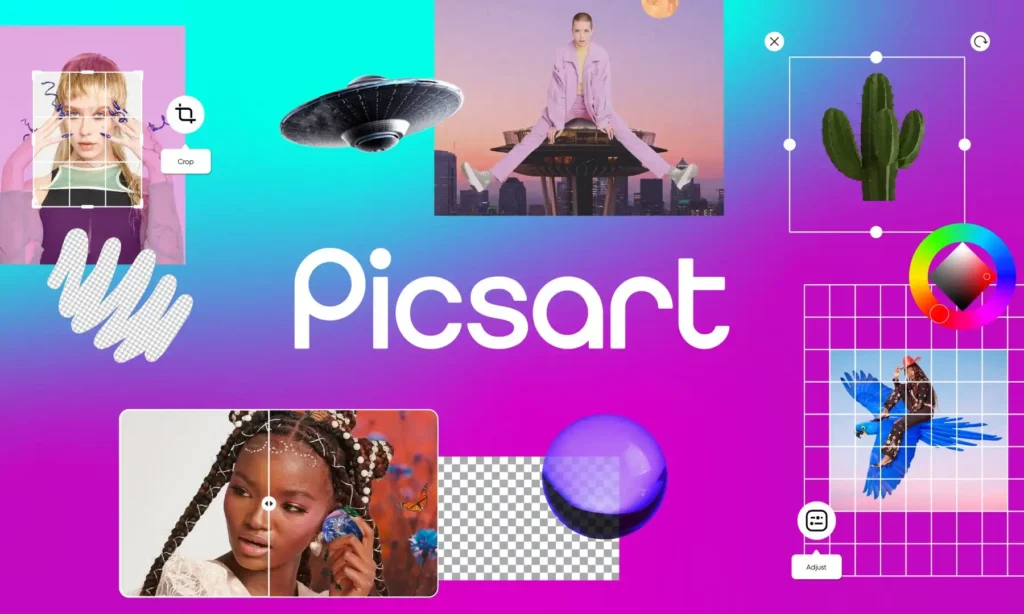
Photo Editing Tools
Its provides a wide range of photo editing options, including:
- Layers and blending modes
- Color correction, curves, and HSL controls
- Background removal tools
- Clone, healing, and patch tools
- Selective adjustments
- Support for high-quality images
These tools make PicsArt a powerful mobile alternative to complex desktop editors.
Video Editing Capabilities
The app also includes video editing features such as:
- Multi-track timeline
- Trimming and cutting tools
- Speed control
- Text, stickers, and overlays
- Transitions and effects
- Export presets for social media platforms
This is especially useful for creating short-form videos, reels, and promotional content.
Filters, Effects, and AI Tools
Its offers
- One-tap photo filters
- Artistic and style-based effects
- AI-powered background generation
- Portrait enhancement
- Object removal and replacement tools
These features help users create visually appealing content with minimal effort.
Collages and Templates
Users can design
- Grid and freestyle collages
- Ready-made templates for social media posts, ads, and thumbnails
Templates are optimized for platforms like Instagram, TikTok, and YouTube, saving time for content creators.

Stickers and Text Tools
Its includes
- A large library of stickers and clipart
- Custom sticker creation
- Advanced text tools with fonts, styles, and curved text
These tools are ideal for memes, posters, and branded graphics.
Creative Community Features
PicsArt has a built-in social feed where users can
- Share their edits publicly
- Join creative challenges
- Remix other users’ public projects
- Follow creators and interact with content
This community encourages creativity, learning, and collaboration.
PicsArt Gold Subscription Explained
Its offers both free and paid plans
Free version
- Basic editing tools
- Limited assets
- Ads included
PicsArt Gold (Paid Plan)
- Access to premium stickers, templates, and fonts
- Advanced AI features
- High-resolution exports
- Ad-free experience
- Cloud storage for projects
Its Gold is best suited for content creators, influencers, and small businesses that need premium assets and faster workflows.
Who Should Use PicsArt?
PicsArt is ideal for
- Casual users editing photos
- Social media creators and influencers
- Small business owners
- Marketers creating ads and promotions
- Hobbyists and remix creators
Professional designers who need pixel-perfect precision may still prefer desktop software, but PicsArt covers most everyday creative needs.
Pros and Cons
Advantages
- All-in-one editing solution
- Easy-to-use mobile interface
- Powerful AI features
- Large asset library
- Active creative community
Limitations
- Mobile-first design limits fine precision
- Many advanced features require a subscription
- AI results sometimes need manual adjustment
- Public sharing raises privacy considerations
Privacy and Usage Notes
- Public posts may be remixed by other users
- Content ownership depends on account and sharing settings
- AI-generated content may have specific usage rules
Users should always review PicsArt’s terms of service and privacy policy before using content for commercial purposes.
Final Verdict: Is PicsArt Worth Using?
It is a versatile and user-friendly creative app that combines photo editing, video editing, AI tools, and a social creative community in one platform. It is especially useful for people who want to create professional-looking social media content quickly and easily on their mobile devices.
While it may not fully replace advanced desktop software, PicsArt is an excellent choice for fast, creative, and visually polished designs.